PrintRepublic
Custom Yard Sign
Custom Yard Sign
Couldn't load pickup availability
How It Works
Step 1: Choose Your Size.
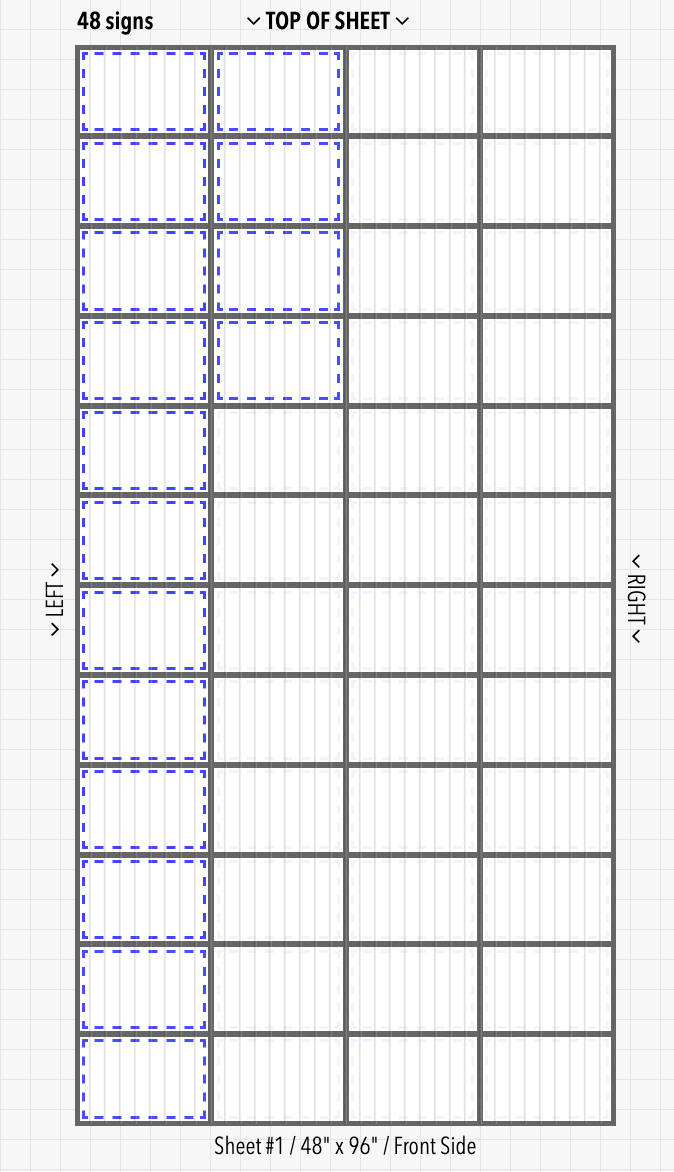
On the product page, select your desired size. Note that each size are sold at minimum quantities as listed "per sheet" next to the "size"
Step 2: Prepare Your Artwork for the Best Results
For crisp, professional corrugated signs, vector files are strongly preferred. Vectors stay perfectly sharp no matter the size and give clean edges.
If your design has photos or complex art, a high-resolution raster file works great — create it at your final sign size.
Quick checklist for highest quality:
• Design at your exact final sign size (or larger).
• For raster files, use 150 DPI minimum at final size (vector has no resolution limit).
• Use CMYK color mode if possible.
• Convert all text to outlines/curves.
• Add 0.5–1 inch bleed around all edges for trimming.
• Keep important content at least 1–2 inches from the edges (safe area).
Step 3: Recommended File Formats & Extensions
Here are the file types we accept, ranked from best to good: .ai / .eps / .svg / .pdf / .psd / .png / .jpg / .tif
Tip: Export from Canva, Adobe Illustrator, Photoshop, Affinity, or Inkscape using the options above. PDF is especially reliable for signs.
Step 4: How to Upload Your File
1. After selecting size and stakes, proceed to checkout or use the product customizer if available.
2. On the order form / product page, look for the “Choose File” button.
3. Click it and select your file from your computer (large files are normal for bigger signs — we can handle them).
4. In the order comments box, note any special requests (e.g., “Single-sided only”, “Add 1” bleed”, “Stakes on bottom edge only”).
Alternative: If the upload field isn’t showing, complete your order and reply to the confirmation email with your file attached (or send to [info@printrepublic.net]).
Step 5: What Happens Next – Your Proof
1. Within 1 business day (often same day), we’ll email you a digital proof.
2. The proof will show:
• Your artwork at final printed size
• Bleed area and safe zone
• Stakes placement (if you selected the add-stakes option)
3. You can request changes — unlimited revisions until it’s perfect.
4. Once you reply “Approved” or click the approve button, we print and ship your corrugated signs (production time is usually 2–5 business days depending on quantity/size).
You’ll receive tracking info as soon as it ships.
Quick Tips for Perfect Corrugated Signs Every Time
• 4mm Coroplast is lightweight yet durable corrugated plastic — great for outdoor use and weather-resistant.
• Stakes make installation super easy for yard signs, political campaigns, real estate, or events.
• Viewing distance — make text and logos large and bold if the sign will be seen from the road.
• Outdoor durability — we use UV inks and weatherproof materials by default.
• File too big? Compress lightly or send via Dropbox link in your order notes.
• Need help with layout or design? Send a rough idea — we’re happy to assist!
Questions? Reply to any order confirmation email or message us through the store chat. We’re here to make your corrugated signs look amazing and install in minutes!
Share